Set up
Quickly use Mash on your iPhone.
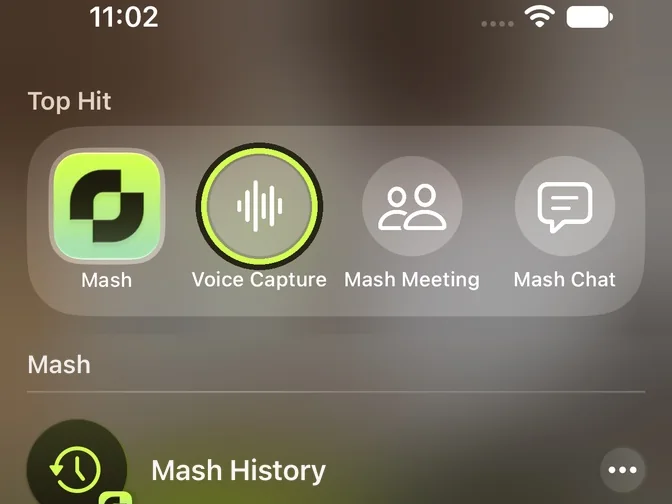
Pick a place on your iPhone. Each one starts Mash in a tap or a few words.

Set up once
5 places- Lock ScreenStart a Voice Capture before you unlock.See how
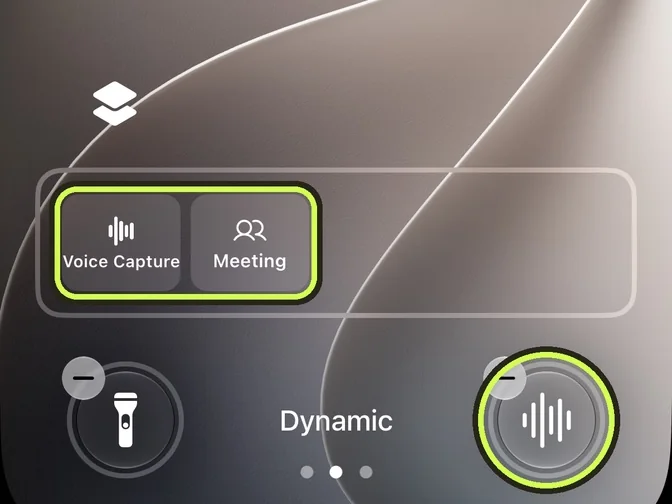
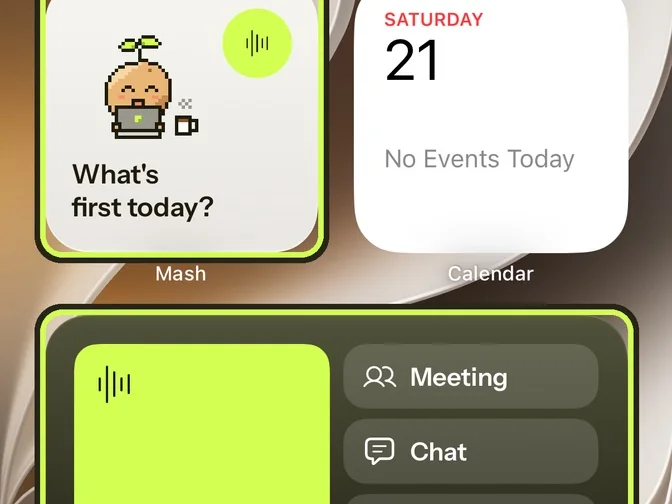
- Home Screen widgetsOne tap starts a Voice Capture or a meeting.See how
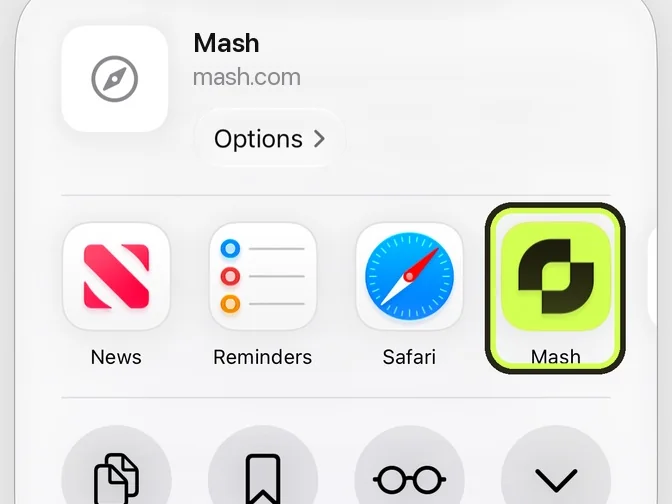
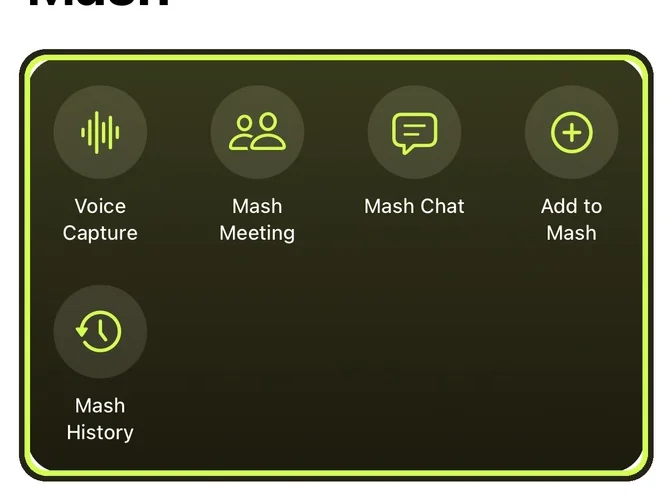
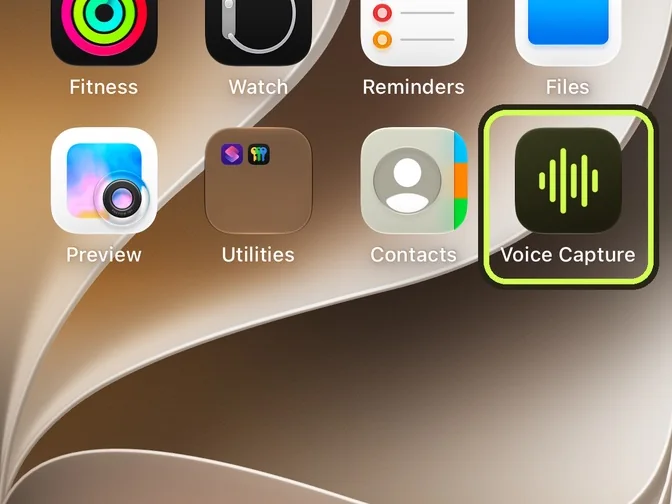
- Home Screen shortcutsGive an action its own icon, or press and hold Mash.See how
- Control CenterSwipe down, tap, and talk.See how
- Action ButtonHold the button on the side to start.See how