Mash on your iPhone › Lock Screen
Lock Screen
Never miss an idea, a to‑do or a moment.
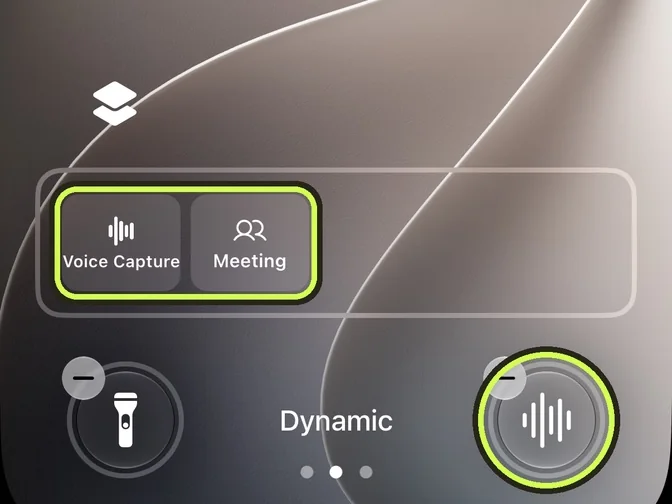
One press starts a Voice Capture, even before you unlock.

Set up once
Why do it
 Leaving a meetingSay the follow‑ups while they’re fresh.
 Half asleepGet tomorrow’s to‑do out of your head, then sleep.
 On the sidewalkCatch the name of the person you just met.
How to set it up
- 1
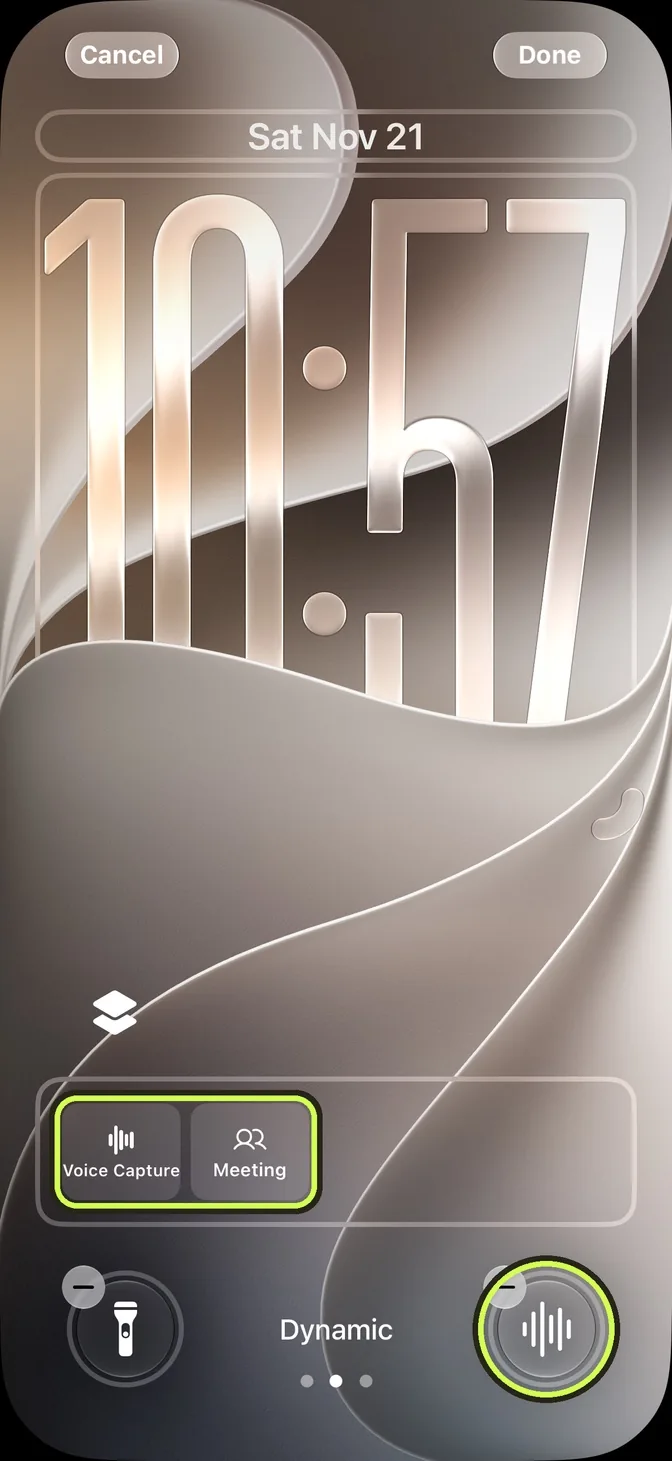
Press and hold your Lock Screen, then tap Customize.
- 2
Tap − on a bottom corner, then tap + in its place.
- 3
Search for Mash, then tap Voice Capture.
- 4
Tap Done, then tap your Lock Screen.
Try itLock your iPhone, then press and hold Voice Capture.
You can add
Voice Capture: In a bottom corner. One press starts a Voice Capture.
For a widget, tap Add Widgets in step 2 instead, then tap Mash and the widget you want.