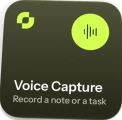
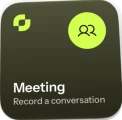
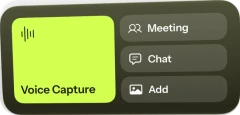
Mash on your iPhone › Home Screen widgets
Home Screen widgets
Put capture where your thumb already is.
One tap starts a Voice Capture or a meeting, without looking for the app.

Set up once
Why do it
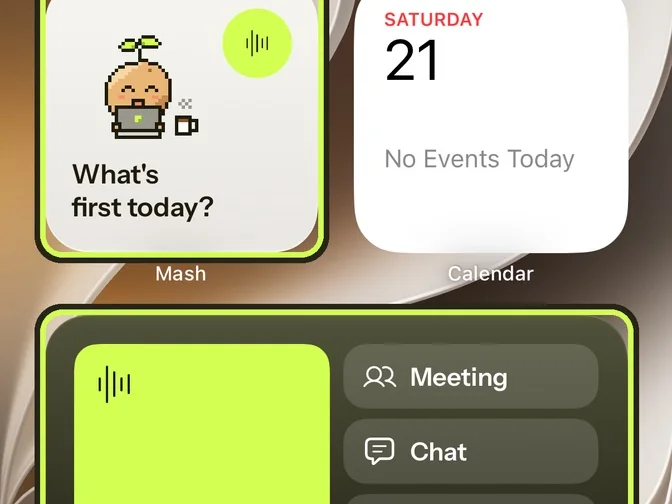
 Every time you go homeVoice Capture is the first thing you see.
 A meeting startsTap Record a Meeting as you sit down.
 Spud’s QuestionA new prompt every day to get you talking.
How to set it up
- 1
Press and hold an empty area of your Home Screen until the apps jiggle.
- 2
Tap the brush at the top left, then tap Add Widget.
- 3
Search for Mash, then tap Mash.
- 4
Swipe to the widget you want, tap Add Widget, then tap ✓ at the top right.
Try itGo to your Home Screen and tap your new widget.
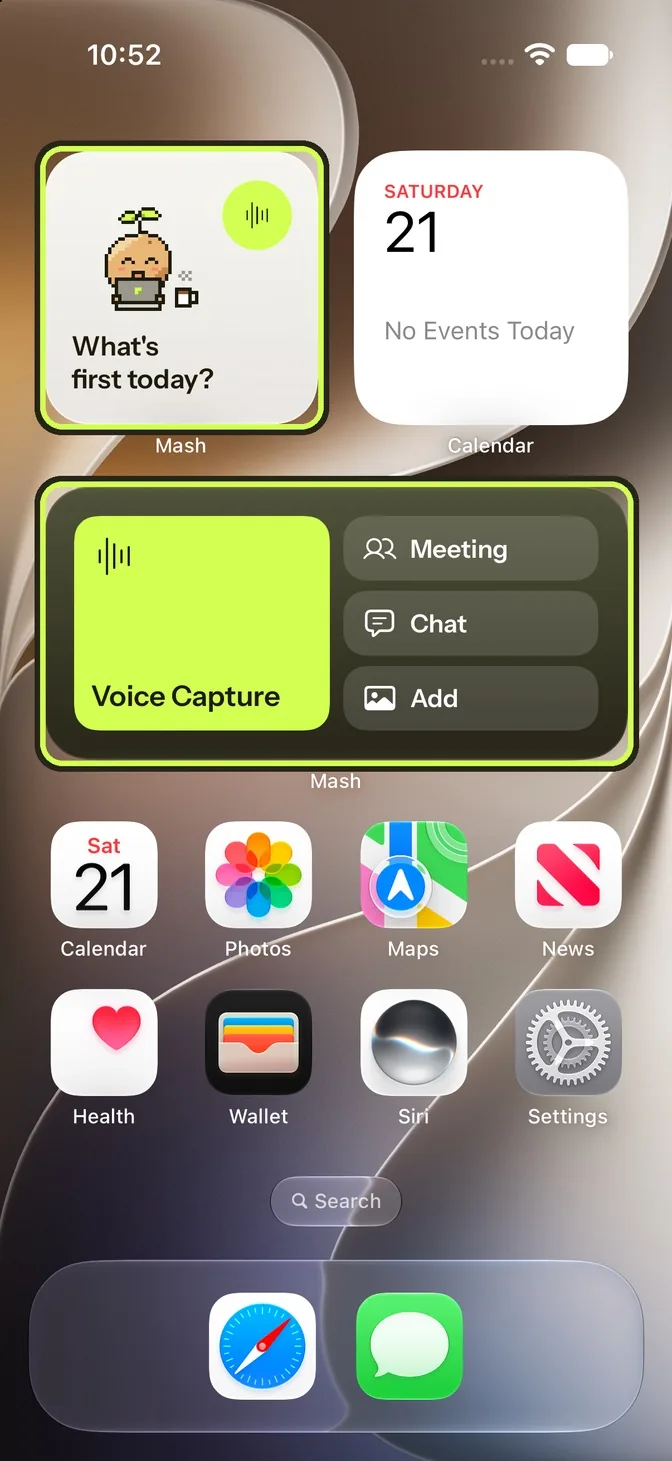
Widgets you can add