Mash on your iPhone › Home Screen shortcuts
Home Screen shortcuts
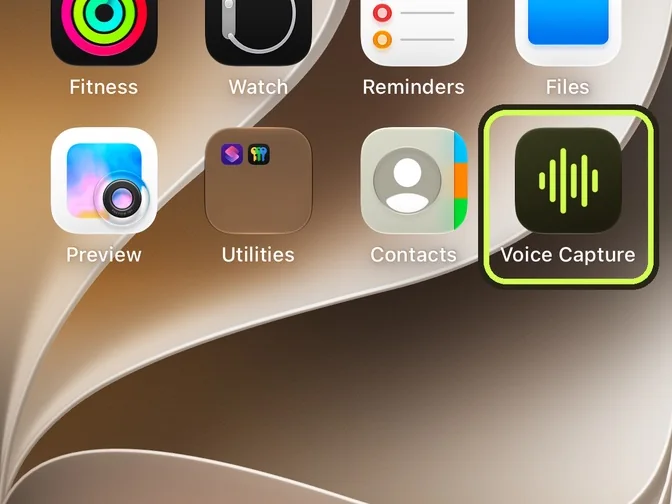
Your most‑used Mash action, as its own icon.
Give the action you use most its own icon. One tap starts it.

Set up once
Why do it
 The action you use mostVoice Capture, a meeting or a chat, as its own icon.
 No folders, no searchOne tap starts it.
 Already therePress and hold Mash for four actions.
How to set it up
- 1
Open Shortcuts, tap Library, then tap Mash under Apps.
- 2
Press and hold the action you want, then tap Add to Home Screen.
- 3
Tap ✓ at the top right. Mash’s colours are already picked.
Try itTap your new icon on the Home Screen.
Open Shortcuts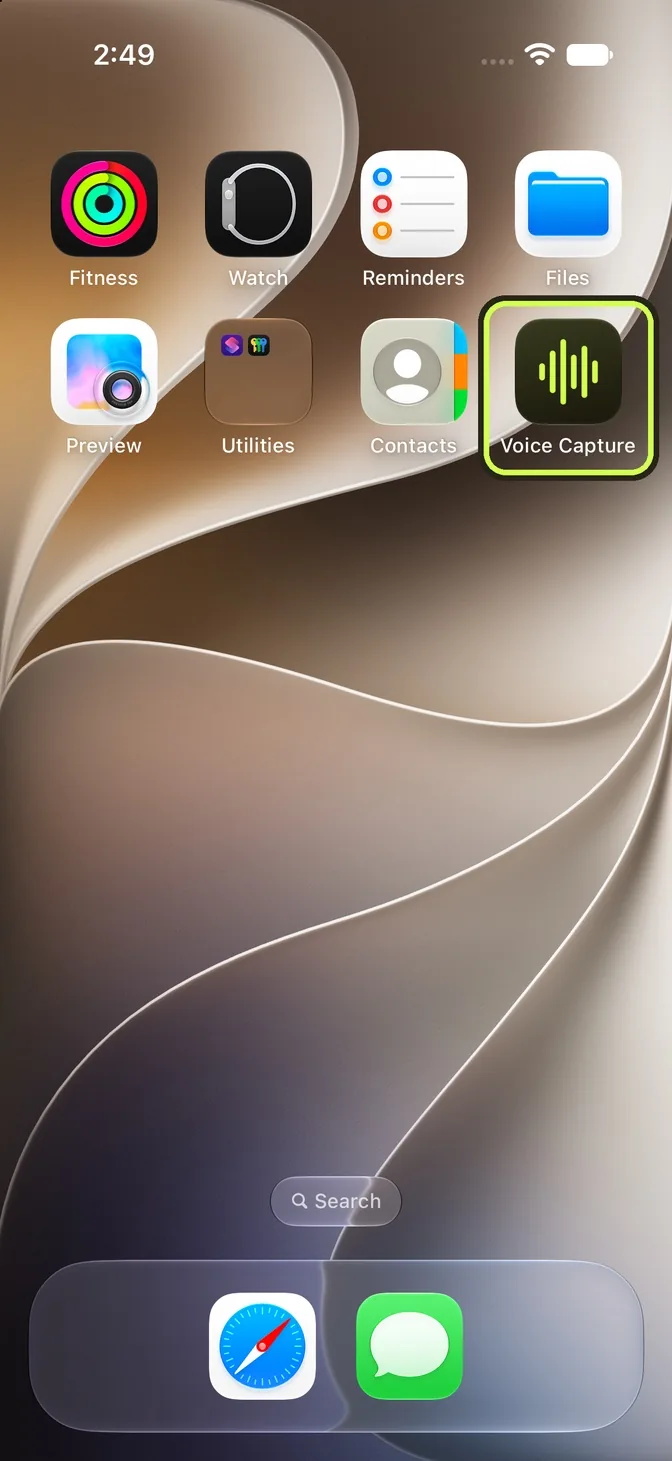
Press and hold Mash
Already on your Home Screen. Nothing to set up.
- Voice CaptureOpens Mash on a new Voice Capture.
- Record a MeetingStarts recording a meeting.
- New ChatOpens a new chat.
- Add to MashPick photos to add to Mash.
Try itPress and hold Mash on your Home Screen, then tap one.