Mash on your iPhone › Shortcuts
Shortcuts
Make Mash part of your routines.
Mash’s actions work in your own shortcuts and automations, in the Shortcuts app.

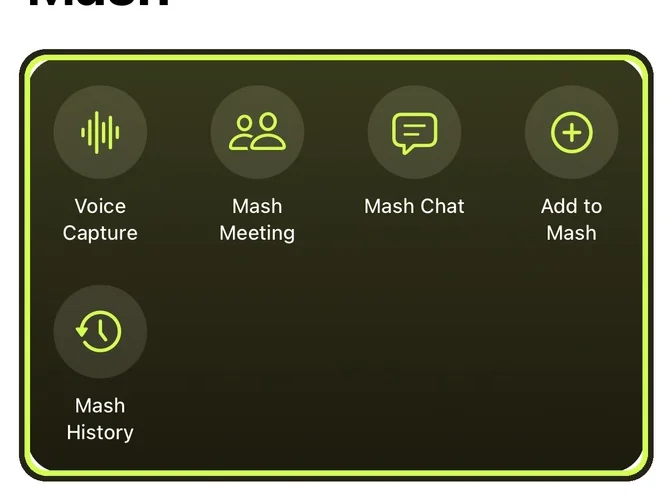
Ready to use
Why do it
 Back TapTap the back of your iPhone to start a Voice Capture.
 At a set timeRun a Mash action when your day starts.
 Your own shortcutsAdd Mash’s actions to the shortcuts you run.
How to set it up
- 1
Open Shortcuts, tap Library, then tap Mash under Apps to see Mash’s actions.
- 2
When you make a shortcut of your own, search its actions for Mash.
Try itTap Voice Capture in Shortcuts.
Open Shortcuts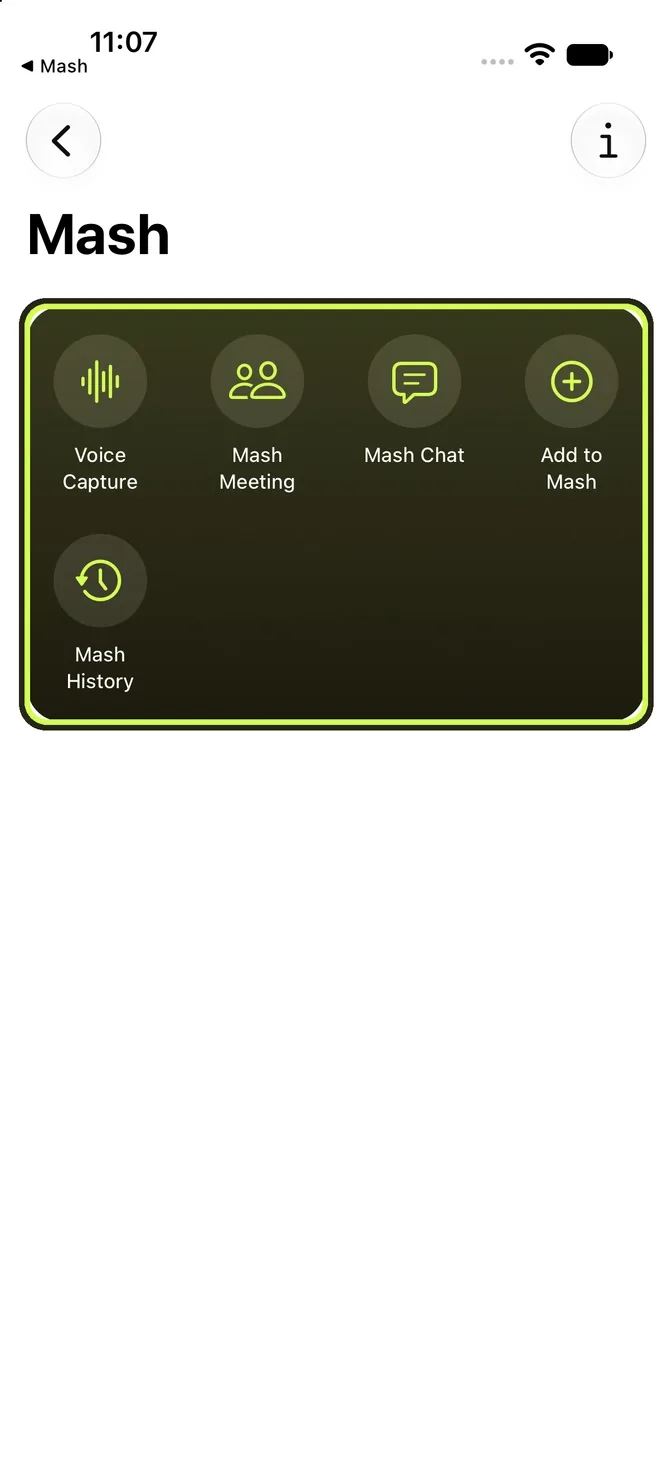
Make it yours
Back Tap
Tap the back of your iPhone to run a Mash shortcut. Make a shortcut with a Mash action, then in Settings search for Back Tap, tap Double Tap or Triple Tap, and pick your shortcut.
Automations
Run a Mash action at a set time or place. In Shortcuts, tap Automation.