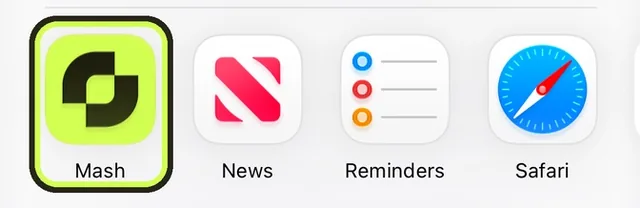
Mash on your iPhone › Share
Share
That link, photo or contact? Share it to Mash.
Share photos, links, text or contacts from any app, up to 9 at a time. Mash files what matters.

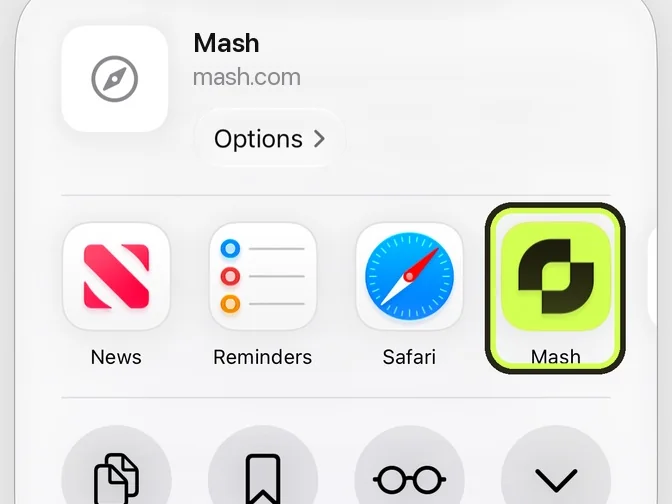
Ready to use
Why do it
 A link from a friendShare it to Mash, and Mash files what matters.
 A receipt or a cardSend photos from any app, up to 9 at a time.
 A new contactShare their contact card to Mash.
How to set it up
- 1
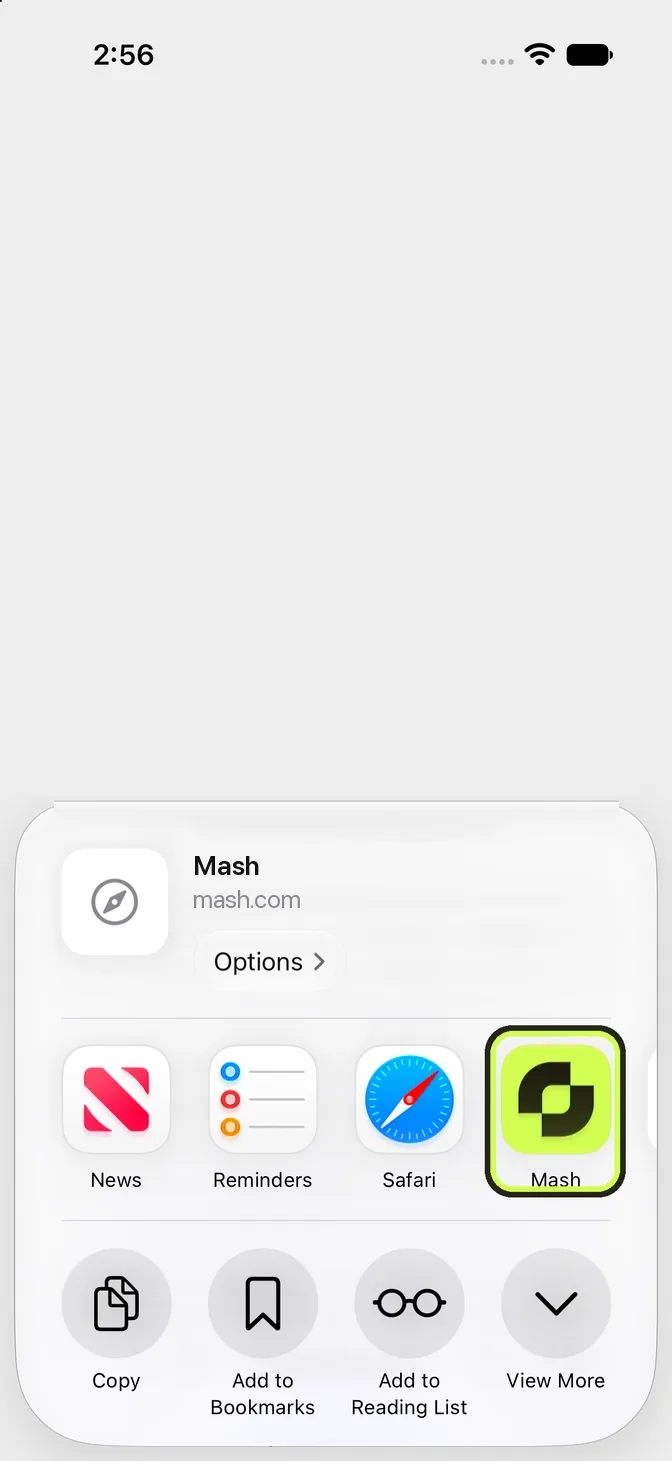
Tap the Share button . In some apps it’s in a menu.
- 2
Tap Mash in the row of apps. Don’t see it? Swipe to the end and tap More.
- 3
Add a note if you like, then tap Send.
Try itTap Share in Safari and send this page to Mash.
Make it better
Move Mash to the front, so it’s the first app you see when you share.
- 1
In the share sheet, swipe the row of apps to the end and tap More.
- 2
Tap Edit, then tap + next to Mash.
- 3
Drag Mash to the top of Favorites.
- 4
Tap ✓ at the top right, then ✓ at the top left.